










What Is WordPress & What Is It Used For?

By Karthi | February 28, 2026








Do you wonder what is WordPress? Do you want to know its uses? You are not alone. Many users ask the same. WordPress is a highly sought-after CMS platform used by many content creators, bloggers, and developers.
Let’s find out more details about What Is WordPress and its uses in quick summary.
What Is WordPress & What Is It Used For?
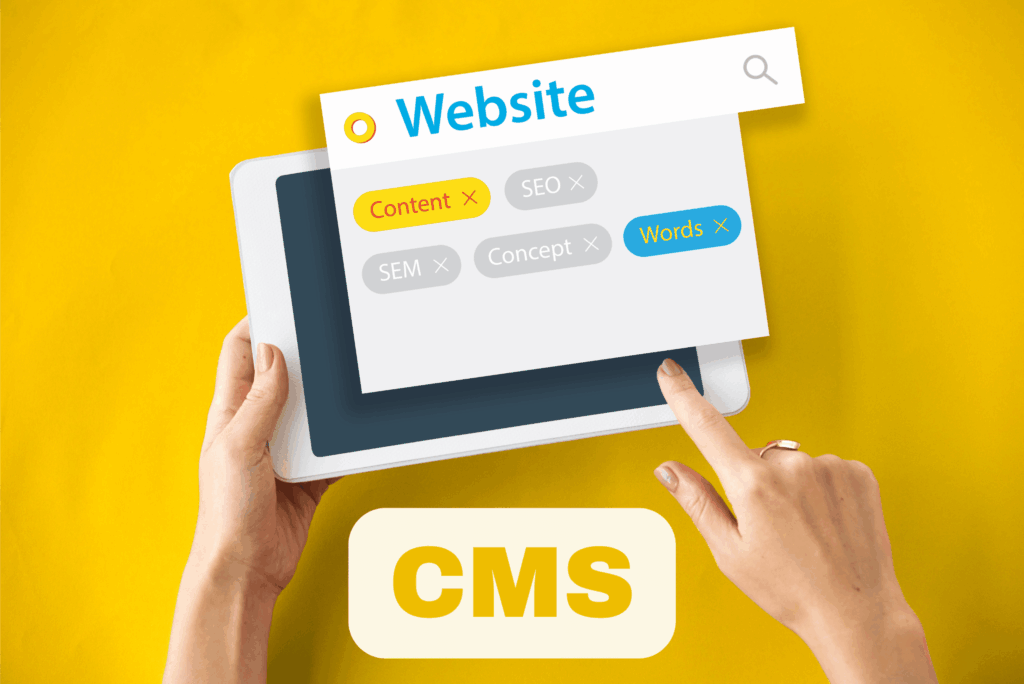
WordPress is a free, open-source content management system (CMS). It helps users create and manage websites without coding knowledge. Developers Matt Mullenweg and Mike Little launched it in 2003 as a basic blogging tool. However, it has grown into the top website platform worldwide. Currently, WordPress accounts for over 40–43% of all websites worldwide. This makes it the most popular CMS on the internet.
1. What Is WordPress?
WordPress is a software platform which runs on a web server. Users can publish and manage content online with it. For instance, it uses PHP for development. Additionally, it relies on a MySQL or MariaDB database to store content, settings, and media.
As an open-source project, WordPress is free. You can use, modify, and distribute it under the GNU General Public License (GPL). Therefore, developers and users create their own tools, themes, and extensions.
2. Key Features of WordPress
WordPress offers many helpful features. Some of them are,
- User-Friendly Dashboard: WordPress provides features that make website creation easy even for beginners. It has an intuitive visual interface. Beginners can create posts, pages, and media easily. No technical skills are needed.
- Themes: They set your site’s visual identity. Thousands of free and premium options exist. You can change your website’s look without coding.
- Plugins: They add functions like contact forms, galleries, or e-commerce systems. Importantly, they do not change the core software.
- SEO-Friendly: WordPress uses clean URLs. It also works with SEO tools and plugins. This boosts your site’s search engine visibility.
- Media Management: You can upload and organize images, videos, and files simply in the dashboard.
- Community Support: A global community helps. They contribute through forums, tutorials, plugins, and themes.
3. What Is WordPress Used For?
WordPress is highly flexible. As a result, it suits almost any website type. Here are common uses:
- Blogs: It started for blogging. Today, it remains easy for publishing articles and updates.
- Business Websites: Companies use it to show services, share news, and attract clients.
- E-Commerce Stores: Plugins like WooCommerce turn it into a full online store. You can sell products and handle payments.
- Portfolios: Artists, designers, and freelancers display their work.
- Online Publications & News Sites: Magazines and news outlets manage articles, authors, and multimedia.
- Educational & Membership Sites: Plugins support courses, membership areas, or forums.
- Podcasts & Multimedia Sites: It includes audio blocks and embedded players for podcasts and videos.
- Landing Pages & Marketing Sites: Businesses build pages for ads, email marketing, and leads. This includes event sites, directories, government portals, and personal bios.
Why should you use WordPress?
Understanding WordPress features helps you decide if it fits your site. Here are key reasons.
As an open-source platform with a global community, WordPress offers source code that is freely accessible for viewing, modification, and enhancement. This allows you to tailor your site to your needs with few restrictions.
Moreover, its open framework encourages collaboration, enabling users to share knowledge, assist each other, and improve WordPress collectively. Today, WordPress benefits from a vast, active community of users, developers, and designers whose collaboration has resulted in numerous forums, tutorials, and resources that offer guidance and solutions.
WordPress is a user-friendly CMS
WordPress provides a CMS dashboard with an intuitive interface, simplifying website creation and management, especially for beginners. For example, editors let you format text, add media, and organize pages quickly.
With WordPress, you can
- Schedule posts to go live at specific times
- Manage comments from your visitors
- Restrict admin access to important parts of your website
Most technical tasks are simple which lets you focus on creating engaging content. Meanwhile, it suits beginners and experts offering advanced features and customization options for Advanced users. They build custom themes and plugins for complex needs. Therefore, WordPress becomes versatile platform that works for all skill levels.
WordPress vs WordPress.com
There are two main ways people use WordPress:
- WordPress.org: This is the self-hosted, free software version that you install on your own web hosting. It gives full control and flexibility.
- WordPress.com: A hosted service where you can build a website without installing software yourself. It’s user-friendly, but some advanced customization is limited unless you pay for upgrades
READ: WordPress Articles
Conclusion
You now know what WordPress is and its uses. In short, it is a flexible, powerful CMS. It helps users of all levels from beginners to experts – build custom, dynamic sites. No advanced skills are required. Whether for a blog, online shop, or business site, WordPress provides the tools.