


Best Domain Name Generator in 2026: 10 Tools Compared

By Arshath | October 10, 2026









Finding a name for your business used to be the hard part. Finding a domain name to match it is now harder, because most short, obvious names were registered years ago. That’s the job of a domain name generator, and the best domain name generators now use AI to do far more than attach a prefix to your keyword.
We compared 10 domain name generators on what matters when you need to register a name, not just brainstorm one. If you’re naming a business in India, our pick is Hynts, the AI domain name generator we built at SeekaHost India. It checks every name live, scores each one out of 100 with the reasons written out, and shows the price in rupees. The table below shows where every other tool fits.
Best Domain Name Generators Compared
| Tool | Best for | What you enter | Shown with each name | Register there | Cost to use |
|---|---|---|---|---|---|
| Hynts by SeekaHost India | Indian businesses and startups | A description, typed or spoken | Live availability, price in rupees and a score out of 100 with reasons | Yes, in your name | Free, unlimited, no sign-up |
| Shopify | Shopify store owners | Keywords | Availability and annual price | Yes, through Shopify | Free |
| GoDaddy | Registering with a global registrar | A domain or an idea | Availability and price | Yes | Free |
| Hostinger | Quick ideas for beginners | A short description | Availability and price | Yes | Free |
| Instant Domain Search | Exploring many variations fast | Keywords | Availability and prices from several registrars | No, at a partner registrar | Free, no sign-up |
| Bluehost | New WordPress site owners | A description or keywords | Availability and price | Yes | Free, no sign-up |
| Domain.com | Keyword-rich names | Keywords or a short description | Availability and price | Yes | Free |
| DomainWheel | Brainstorming from a few keywords | One or more keywords | Availability | No, at another registrar | Free, unlimited, no sign-up |
| Network Solutions | Filtering by length and extension | Keywords or a short description | Availability and price | Yes | Free |
| Nametastic | Rated name ideas | An idea in a few words | Availability and a rating for each name | No, at another registrar | Free credits after sign-up, then paid |
How we compared them: we looked at what you enter to start, what you see with each name, whether you can register the domain on the same site, and what each tool costs to use. All ten check availability in some form, so the real differences are in what goes in and what comes back.
The 10 Best Domain Name Generators
Most of these tools now use AI. What separates them is what the AI does with your input: some reshuffle your keywords, while the better ones read your whole idea, check availability as they go and explain their suggestions.
-
Hynts by SeekaHost India
Hynts is the AI domain name generator by SeekaHost India, an Indian domain and web hosting provider. Describe your business in a sentence, by typing or speaking, and Hynts returns up to 50 names. Each one is checked against live registry data across 730+ extensions and passes 30+ checks before it reaches your screen.
What sets it apart is what comes with every name: a score out of 100 for brandability, meaning, memorability, pronunciation and scalability, with the reason behind each mark. Not sure what to type? Answer four questions and the AI Prompt Generator writes the prompt for you. You can see everything Hynts can do before you try it.
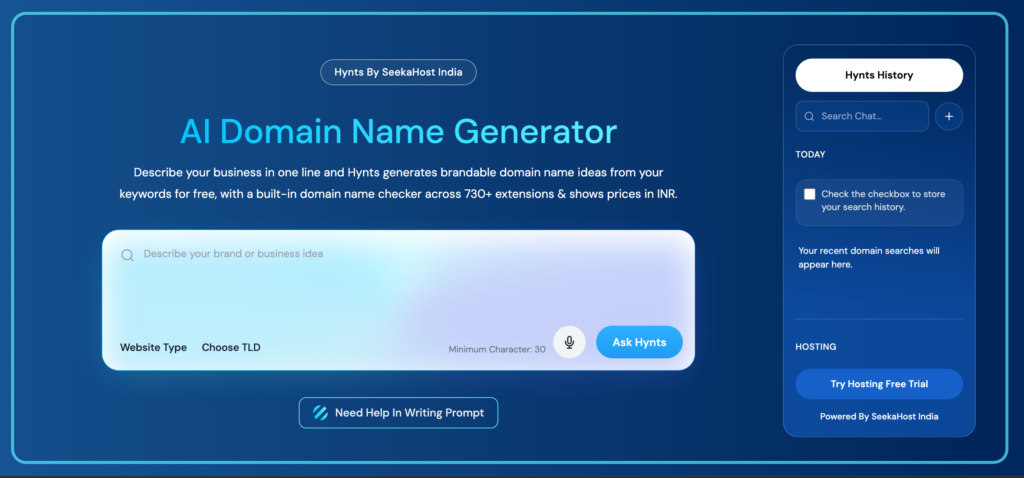
Best fit for: Indian businesses, startups and creators who want brandable names they can register straight away.
What it does: Turns a business description into available, scored domain names, then lets you see the brand before you buy.
Key features: Up to 50 names per search, 730+ extensions with .in and .co.in listed alongside .com, a score out of 100 with written reasons, AI Prompt Generator, voice input, side-by-side shortlist comparison, AI Brand Visualizer, Digital Signature Studio, and prices in rupees.
Pricing: Free and unlimited, with no sign-up. You pay only when you register a name.
Pros: Every name is available at the moment it’s shown, every score comes with a reason, names can carry Hindi, Tamil, Telugu, Bengali or Marathi roots, the domain is registered in your name, and annual web hosting plans include a free domain for the first year.
Cons: There’s a lot in the tool, so it takes a few minutes to explore. The brand score helps you judge a name but isn’t legal trademark clearance, so check India’s Trade Marks Registry before you build a brand on it.
-
Shopify Domain Name Generator
Shopify’s domain name generator is one of the free tools Shopify offers people starting an online store. It’s built to take you from a name to a Shopify store in as few steps as possible.
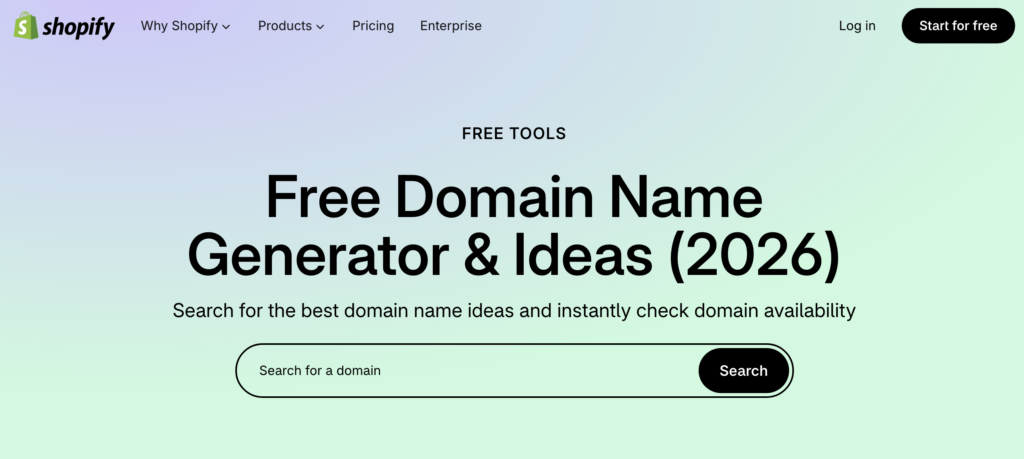
Best fit for: Entrepreneurs building an online store on Shopify.
What it does: Turns a keyword or two into matching domain suggestions and shows which ones you can buy.
Key features: Keyword search, suggestions across several extensions, the annual price beside available names, and a direct path into a Shopify store.
Pricing: Free to use; domain registration is paid.
Pros: Quick, simple and needs very little input.
Cons: It works from keywords rather than a full description, and the domain is set up around a Shopify store.
-
GoDaddy AI Domain Search
GoDaddy’s domain name generator is built into its main domain search, so finding a name and buying it happen in the same place.
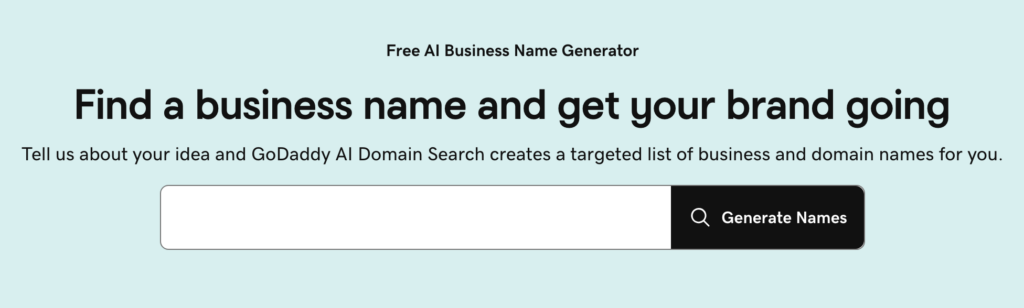
Best fit for: Businesses that want to search and register with a large global registrar.
What it does: Checks whether the domain you want is available and uses AI to suggest alternatives from a domain or an idea.
Key features: AI suggestions, availability checks, a wide range of extensions, and direct registration.
Pricing: Free to use; domain registration is paid.
Pros: Fast, simple, and you can register a name the moment you find it.
Cons: It’s a search bar first, so suggestions tend to stay close to the words you typed.
-
Hostinger AI Domain Name Generator
Hostinger keeps it simple: one box where you describe your business idea, and a list of related names across different extensions.
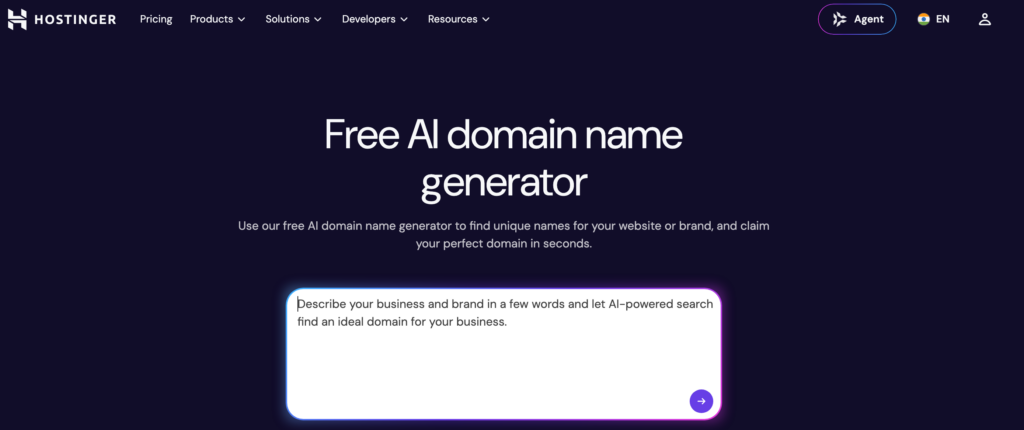
Best fit for: Beginners and small businesses who want quick domain ideas.
What it does: Uses AI to suggest domain names from a short description of your business, project or website.
Key features: AI suggestions, availability checks, multiple extensions, and registration alongside Hostinger hosting.
Pricing: Free to use; domain registration is paid.
Pros: Simple interface, quick suggestions and beginner-friendly.
Cons: Because it’s kept simple, there are fewer controls for shaping the style of names you get.
-
Instant Domain Search
Instant Domain Search is built for speed. It checks availability as you type and sorts every result into available, premium, aftermarket or taken, so you can see at once which names are realistic.
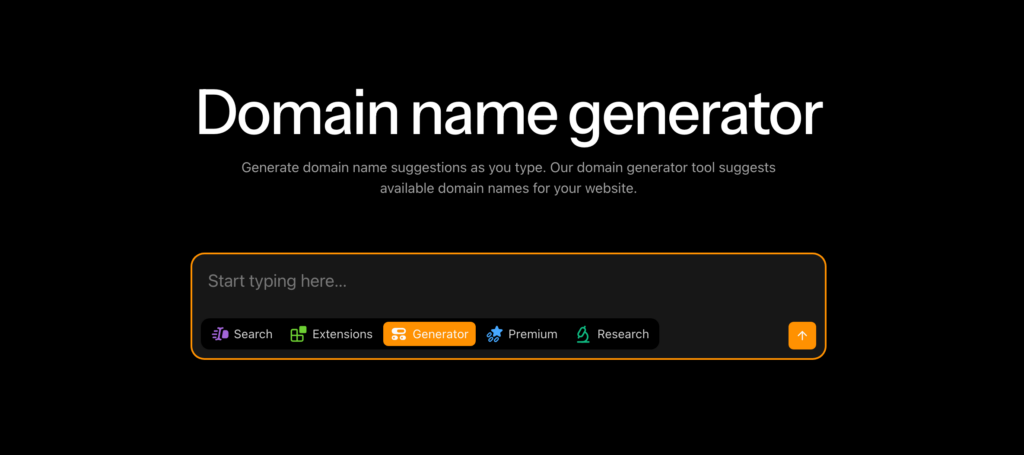
Best fit for: People who want to explore lots of variations across many extensions, fast.
What it does: Expands your keywords into brandable variations and checks their availability in real time.
Key features: Several naming styles, hundreds of extensions, status filters, and price comparison across registrars.
Pricing: Free, with no sign-up.
Pros: Fast results, wide extension coverage and plenty of variations.
Cons: It doesn’t register domains itself, so you buy through a partner registrar, and it focuses on variations rather than reasoning about each name.
-
Bluehost AI Domain Generator
Bluehost’s AI domain generator gives you a prompt box with a few example prompts to start from, so you’re never staring at an empty field.
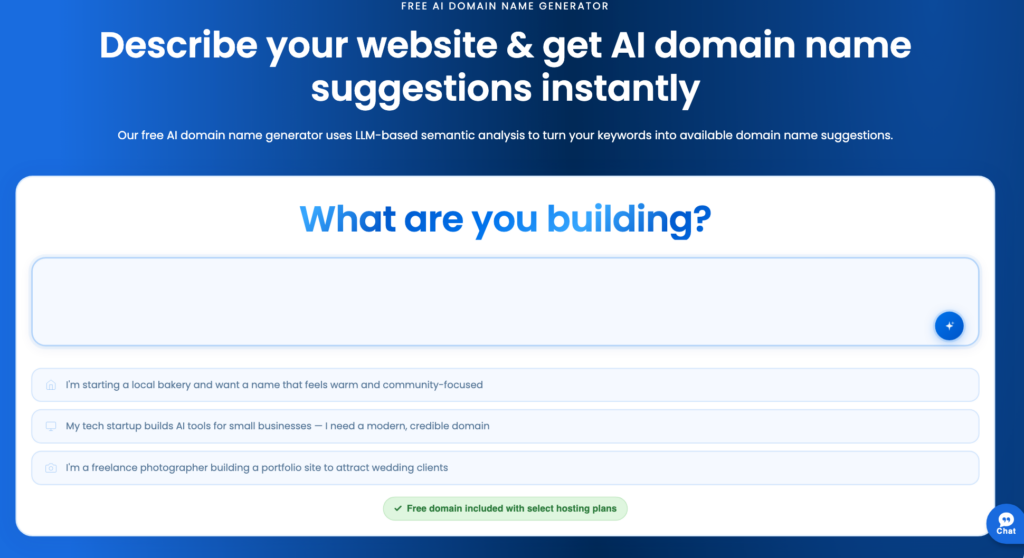
Best fit for: Beginners, non-technical founders and new WordPress site owners.
What it does: Uses AI to turn a business description or a few keywords into available domain suggestions.
Key features: Example prompts, availability checks against live domain data, extensions including .com, .net, .org, .ai, .co and .io, and direct registration.
Pricing: Free to use without an account; domain registration is paid.
Pros: Simple, beginner-friendly and covers several extensions.
Cons: Once you pick a name, it moves straight into a standard registration flow, with little guidance on the name itself.
-
Domain.com AI Domain Generator
Domain.com is a domain registrar that also sells hosting, email and security services. Its AI generator sits alongside them, so the domain you find can go straight into the same account.
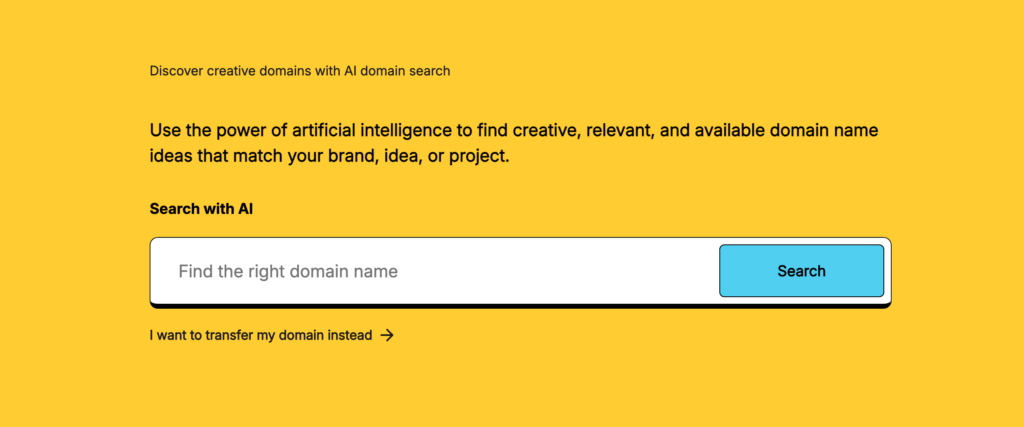
Best fit for: Keyword-focused searches with registration in one place.
What it does: Generates keyword-rich domain suggestions from keywords or a short description and checks each one’s availability in real time.
Key features: AI suggestions, real-time availability, extensions including .com, .net, .org, .ai, .tech and .io, and direct registration.
Pricing: Free to use; domain registration is paid.
Pros: Easy to use, fast, and a straightforward path from finding a name to registering it.
Cons: It leans toward keyword-rich names, with fewer tools for judging how brandable a name is.
-
DomainWheel
DomainWheel is a quick brainstorming tool. Type one or more keywords and it mixes them into creative combinations, then lets you branch out into names that rhyme with or sound like your keywords.
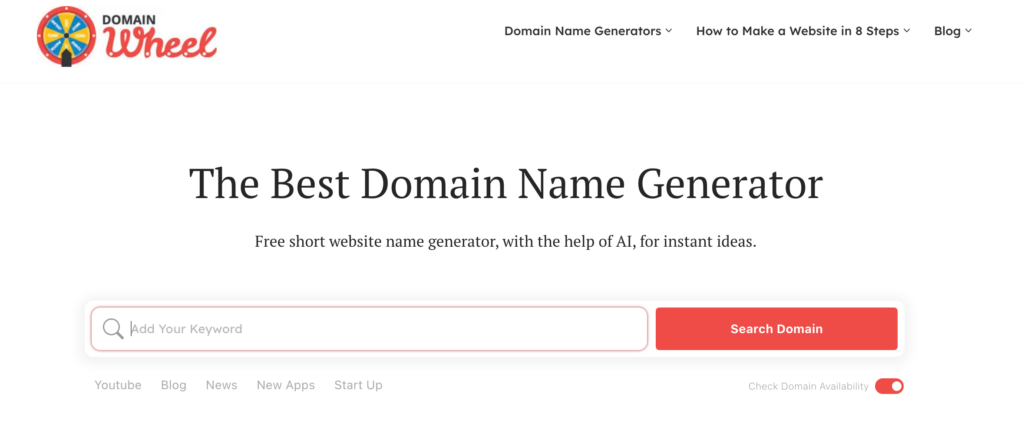
Best fit for: Founders brainstorming quickly from a few keywords.
What it does: Uses AI to generate domain names from keywords and checks their availability automatically.
Key features: AI suggestions, word combinations, “Sounds Like”, “Rhymes With” and “Random” suggestion modes, and instant availability checks.
Pricing: Free and unlimited, with no sign-up.
Pros: Creative variations, instant checks, a simple interface and unlimited searches.
Cons: Results depend heavily on the keywords you start with, and there’s no score or reasoning for individual names.
-
Network Solutions AI Domain Generator
Network Solutions’ AI domain generator works from keywords or a short description, and the more detail you give it, the better the suggestions. What sets it apart is control: you can set the character count, the extension and the words a name must include.
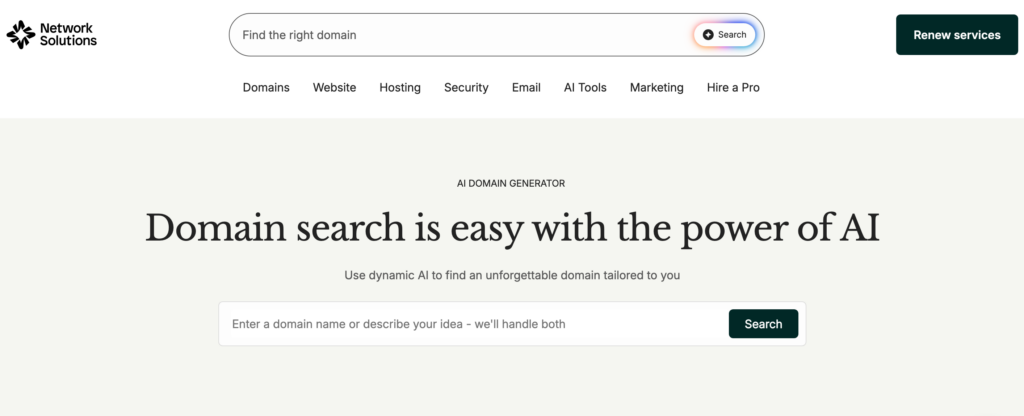
Best fit for: Businesses that want to narrow suggestions by length, extension and must-have words.
What it does: Uses AI to turn keywords or a description into keyword-rich domain suggestions you can register on the same site.
Key features: AI suggestions, filters for character count, extension and must-have words, bulk search, popular extensions, and direct registration.
Pricing: Free to use; domain registration is paid.
Pros: Fine control over results, bulk search for checking many names at once, and registration in one place.
Cons: Suggestions lean keyword-heavy, and there’s no score or reasoning to help you choose between names.
-
Nametastic
Nametastic is one of the few generators that rates its names. Describe your idea in a few words, and each suggestion comes with a rating for memorability, pronunciation and brand potential.
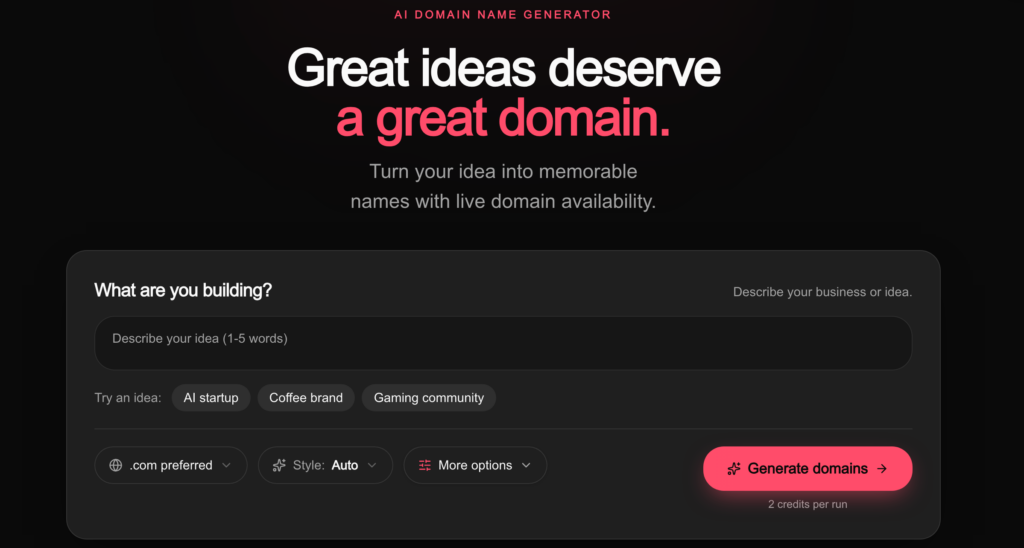
Best fit for: Founders and small businesses who want each name rated before they shortlist it.
What it does: Uses AI to generate domain name ideas from a short description and checks their availability across many extensions in real time.
Key features: Context-aware naming, a rating for each name, real-time availability checks, and saved names.
Pricing: Free credits when you sign up, then paid credits or a monthly plan.
Pros: Context-aware suggestions and a rating for every name.
Cons: Free use is limited by credits and needs an account, and you register the domain through an external registrar.
What Is an AI Domain Name Generator?
An AI domain name generator turns a plain-language description of your business into domain name ideas you can register. Instead of attaching stock prefixes and suffixes like “get”, “my” or “hub” to a single keyword, it reads what your business actually does and builds names around it.
Describe “an online bakery delivering gluten-free cakes”, for example, and a keyword tool gives you variations like getglutenfreecakes or glutenfreecakeshub. An AI tool works from the whole idea and suggests names in the direction of AlmondFlourCakes, WholeheartCakes or FreestyleCakes. The better ones also check each suggestion for availability as they generate it, so you aren’t shortlisting names that are already taken.
A domain name generator isn’t the same as a business name generator, although the two overlap. A business name generator names your company. A domain name generator names your website address, so every suggestion has to be short, easy to type and available in the extension you want. If you’re naming the company itself, start with our business name generator.
How to Choose the Best Domain Name Generator
Every tool on this list is free to try, so cost won’t decide it for you. What separates them is how much they help you decide. Check these six things before you settle on one.
1. It starts from your idea, not one keyword: Tools that read a full description give you names that fit the business. Tools that only take keywords give you variations of words you already had.
2. It checks availability before showing a name: A shortlist of taken names wastes your time. The most useful generators check each name live as they suggest it.
3. It tells you why a name works: A plain list leaves you guessing. A score with reasons for memorability, pronunciation and brand fit makes the final choice faster.
4. It covers the extensions you need: .com isn’t always the right choice. If your customers are in India, make sure the tool covers .in and .co.in, along with newer domain extensions like .store and .shop.
5. It shows the real price, including renewal: A cheap first year means little if the renewal is high. Check the renewal price before you register, and compare it against current domain prices and renewal rates.
6. The domain is registered in your name: Whoever registers the domain holds your brand’s address. Make sure it’s registered in your name, so you can transfer the domain later if you ever need to.
Frequently Asked Questions
What is the best domain name generator?
The best domain name generator is the one that helps you decide, not just brainstorm. Look for one that reads a description of your business, checks availability before showing a name, and explains why each name works. For businesses in India, Hynts by SeekaHost India does all three for free and shows prices in rupees.
What is the best AI domain name generator?
The best AI domain name generator uses AI to understand your whole idea, not just to rearrange your keywords. Most tools on this list use AI in some form, but few explain their suggestions. Hynts reads a description you type or speak, checks every name live before showing it, and scores each one out of 100 with the reason behind every mark.
Is there a free domain name generator?
Yes. Every tool on this list lets you generate names for free, and most need no sign-up. Nametastic is the exception: it gives you free credits when you sign up and charges for more. You pay only when you register a domain, and the price depends on the extension.
Can a domain name generator check if a domain is available?
Most can, but they check at different points. Some check after you pick a name, while the more useful ones check every suggestion as it’s generated, so you only see names you can register. Availability changes all the time, so once you find a name you like, register the domain before someone else does.
Does searching for a domain name reserve it?
No. Searching on a domain name generator doesn’t reserve or register anything. An available domain goes to whoever registers it first, so don’t leave a name you’ve decided on sitting in a shortlist.
Which Domain Name Generator Should You Use?
There’s no single best domain name generator for everyone, and the table above shows where each tool fits. If you want names you can register immediately, with a reason behind each one and the price in rupees, start with Hynts.
Try Hynts free: describe your idea in one line, see up to 50 names you can register, and read why each one works. If it’s your first domain, our step-by-step guide to finding and registering a domain with Hynts walks you through it.